Mechanical Keyboards vs. Regular in 2026: The Ultimate Guide to Switches, Sound, and Sustainability
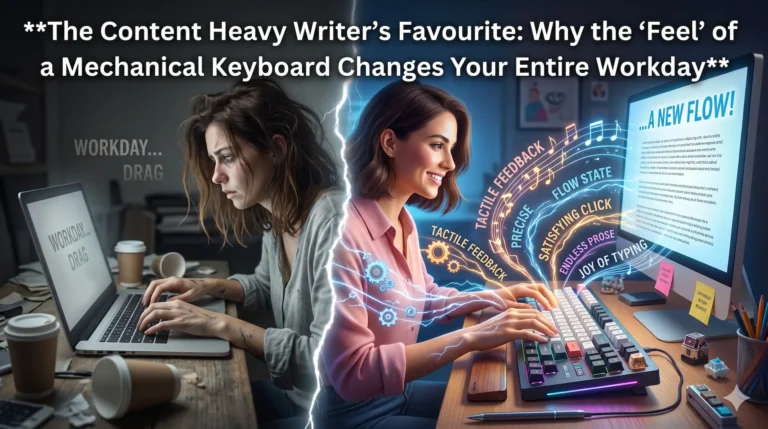
Just think about your current keyboard, the keyboard that you are using. If you’re using a standard office model or a laptop, you’re likely typing on “mush.” It’s a shallow, rubbery, and ultimately forgettable experience. You press a key, it hits a plastic membrane, and you move on. It’s functional, sure, but you have not come to the premium side of it yet!
Now, imagine the first time you sit down in front of a mechanical masterpiece.
The first thing you notice is the weight. It doesn’t slide around your desk like a cheap toy; it sits there with the gravity of a high-end tool. But the real transformation happens when you rest your fingers on the home row. You press the ‘F’ key.
There is no “mush.” Instead, there is a crisp, intentional resistance. You feel a tiny, tactile “bump” halfway through the press—a physical confirmation that your thought has been translated into data. It feels like snapping a perfectly tempered bar of chocolate or the satisfying thunk of a luxury car door closing.
In 2026, where our lives are increasingly digital, this physical connection is a revelation. It’s the difference between walking on a treadmill and hiking a mountain trail. You aren’t just inputting text; you’re playing an instrument.
This is the full completion of your blog post. It transitions from the sensory “magic” of the intro into a practical, data-driven analysis of why mechanical keyboards have become the professional standard in 2026.
The 2026 Switch Landscape: Finding Your “Feel”
By 2026, the market has moved beyond basic colors. While we still use the “Red, Brown, Blue” naming conventions, the technology inside has evolved.
Tactile (The Feedback Loop)
Tactile switches (like the classic “Brown”) provide a physical bump at the moment the key registers. Practically, this is a productivity tool. It tells your brain “the letter is sent” before your finger hits the bottom. For writers and coders, this reduces typos because you aren’t guessing if a key registered.
Linear (The Frictionless Flow)
Linear switches move straight up and down with no interruption. In 2026, these have become the favorite for video editors and gamers. Because there is no “bump,” the motion is faster and more fluid. If you spend your day navigating timelines or rapid-fire software shortcuts, linears reduce the physical friction of your workflow.
The Hall Effect Revolution
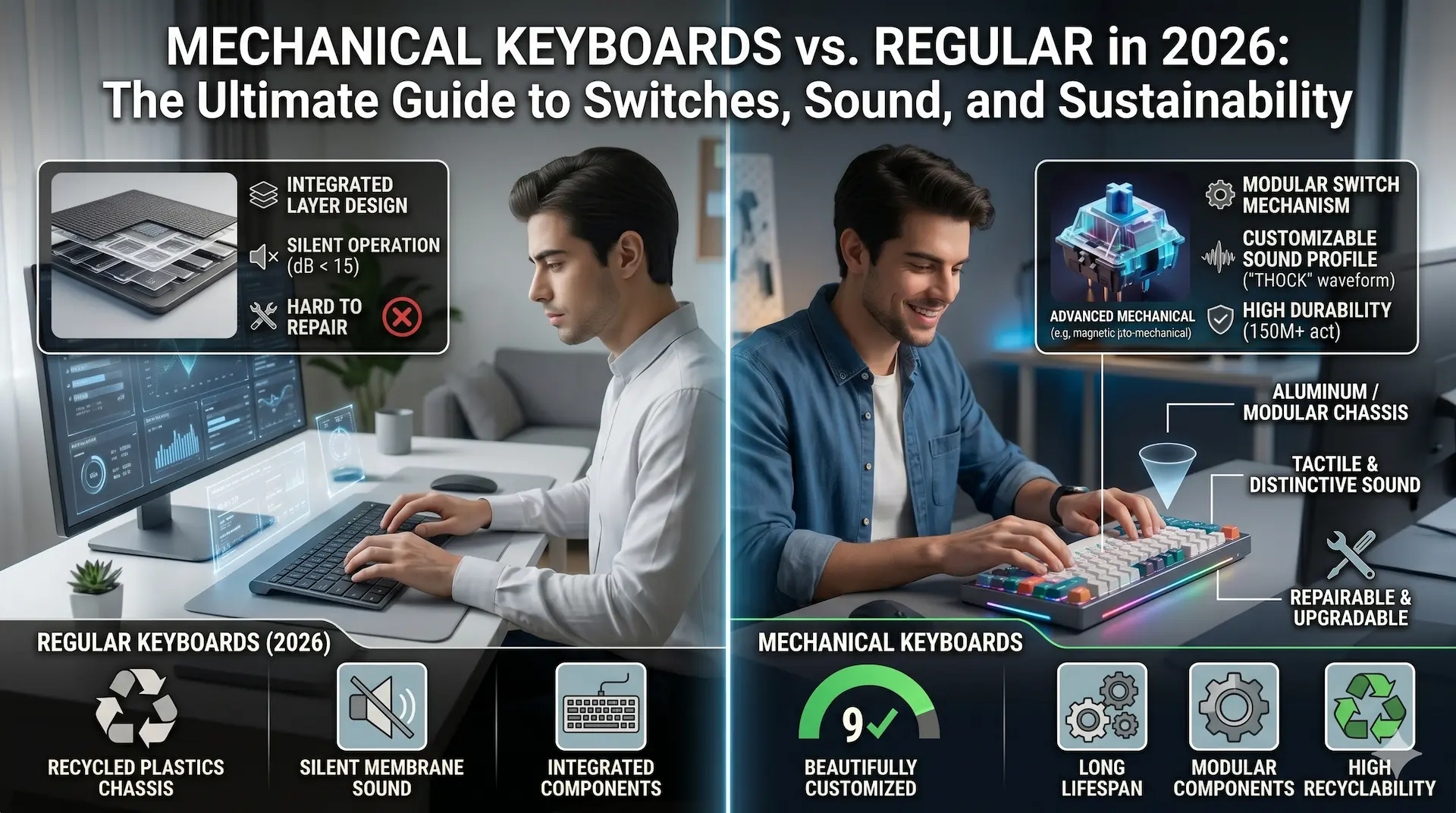
The biggest shift in 2026 is the Hall Effect (Magnetic) switch. Unlike traditional switches that rely on metal contact, these use magnets to measure distance. You can now customize your keyboard via software. Want your “Spacebar” to be hyper-sensitive but your “Delete” key to require a deep, heavy press? In 2026, that is a standard feature. This solves the “accidental press” pain point that plagues many beginners.
The Symphony of Sound: Utility, Not Just Aesthetics
While “thocky” or “creamy” sound profiles are popular on social media, the sound of a keyboard in a 2026 professional environment is about acoustic feedback.
When you hear a crisp, consistent sound with every stroke, your brain enters a “flow state” more easily. It is an audible confirmation of work being done. However, a major pain point of early mechanical keyboards was the noise level—no one wants to be the person clicking loudly in a quiet office.
Modern Silent Tactile switches have solved this. They use internal dampeners to keep the noise level lower than a standard laptop keyboard while maintaining that crisp mechanical feel. This allows for the ergonomic benefits of a mechanical board without the social cost of disturbing colleagues.
Sustainability: The Keyboard You’ll Give Your Grandkids
In the early 2020s, keyboards were essentially “disposable” tech. If the ‘A’ key on your laptop stopped working, you often had to replace the entire top case or the whole machine.
In 2026, the mechanical keyboard community has led a sustainability revolution centered on two concepts:
- Hot-Swappable Sockets: If a single switch fails, you pull it out with a small tool and pop in a new one—a 10-second repair that costs less than $1. You no longer throw away a $100 device because of one broken part.
- Circular Materials: Leading brands in 2026 now use 100% recycled aluminum for cases and “ocean-bound” plastics for keycaps. Because these boards are built to be disassembled, they are almost 100% recyclable.
This solves the long-term problem of electronic waste. A well-built mechanical keyboard bought today can easily last 15 to 20 years, whereas a membrane keyboard typically begins to lose its “spring” or develops dead zones within 2 to 3 years of heavy use.
The Pain Points: What to Watch Out For
Despite the benefits, the transition isn’t without its hurdles. If you are making the switch for the first time, keep these three practical points in mind:
- The Height Profile: Mechanical keyboards are generally taller than laptop keys. Using one without a wrist rest can initially cause wrist extension (bending your hand back). To solve this, many 2026 users opt for “Low Profile” mechanical boards or dedicated palm rests.
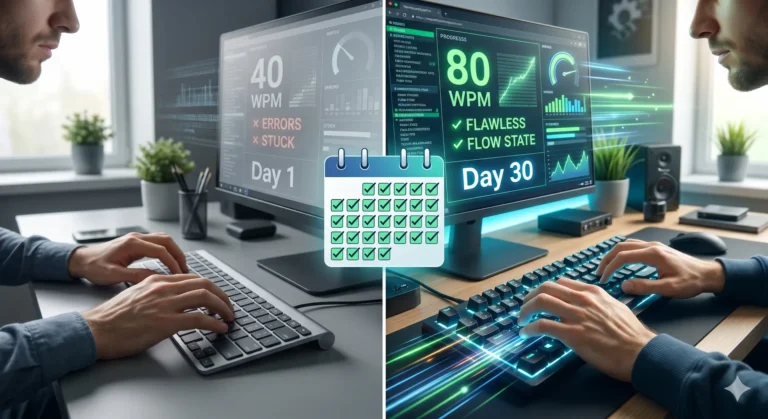
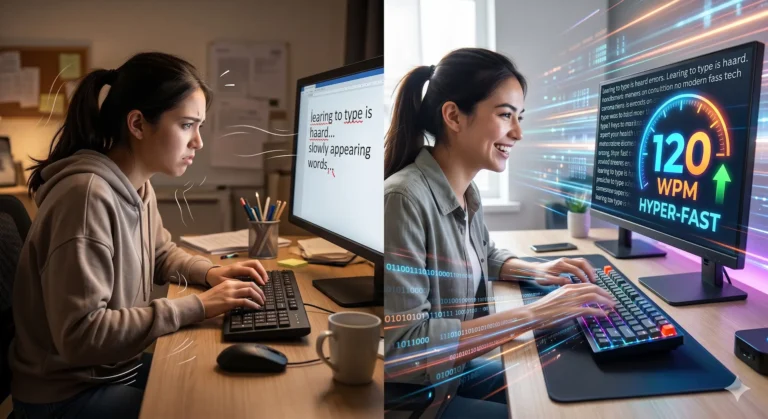
- The Learning Curve: Because the keys are more sensitive, your “fat-finger” error rate might go up for the first week. Your muscles have to unlearn the habit of smashing keys down.
- Initial Cost: A quality mechanical keyboard in 2026 costs between $120 and $250. This is a significant jump from a $20 membrane board. However, when you factor in the “Cost Per Year,” the mechanical board is cheaper. You are buying one tool for a decade rather than five disposable ones over the same period.
Practical Day-to-Day: The Difference in Experience
Think about your morning routine. If you start your day with a “mushy” keyboard, there is a subtle, unconscious resistance to starting that long email or report.
Compare this to a 2026 mechanical setup. You sit down, the board has a weighted presence on your desk, and the keys respond with precision. There is no “stickiness.” There is no wondering if you pressed the ‘Shift’ key hard enough. The physical act of typing becomes a background task, allowing your cognitive energy to focus entirely on the content of your work.
A Long-Term Investment in Your Hands
Choosing a mechanical keyboard in 2026 isn’t just about the “cool factor” or the sound. It is a practical decision to improve ergonomics, increase typing accuracy, and reduce your environmental footprint.
The “Ultimate Guide” boils down to this: if you spend more than four hours a day on a computer, your keyboard is your primary interface with the world. Moving away from regular membrane boards solves the problems of fatigue, waste, and inaccuracy. It is the most significant “quality of life” upgrade you can make for your desk.
Once you move past the initial learning curve, you’ll realize that your old keyboard wasn’t just “regular”—it was holding you back.
Conclusion
To understand the shift toward mechanical keyboards, we first have to look at the flaw in the “regular” keyboard. Most laptops and budget office decks use membrane technology. Underneath each key is a rubber dome. To register a stroke, you must press the key all the way down to “bottom out” against a circuit board.
In a day-to-day scenario, imagine you are typing a 1,000-word report. On a membrane keyboard, your fingers are essentially striking a hard surface thousands of times. Over years, this leads to finger fatigue and, in some cases, repetitive strain injuries.
Mechanical keyboards solve this through individual physical switches. You don’t have to “bottom out.” The keyboard registers the letter halfway through the press. It’s the difference between walking on concrete and walking on a high-end athletic track; the impact is absorbed, and the return is snappier.