Typing Speed Standards and Professional Benchmarks
In the professional landscape, typing speed is measured in Words Per Minute (WPM). A speed of 40 WPM is generally considered the global average and represents a functional level of proficiency for most administrative and general office roles.
Industry Performance Standards
Professional typing speeds are typically categorized as follows:
| Speed (WPM) | Proficiency Level | Typical Professional Context |
|---|---|---|
| Below 40 | Basic | Entry-level or casual computer use. |
| 40 – 50 | Average / Standard | General office work, email management, and standard documentation. |
| 60 – 70 | Above Average | Professional writers, journalists, and high-volume administrative roles. |
| 80 – 90 | Excellent / Advanced | Advanced technical writers, transcriptionists, and legal secretaries. |
| 100+ | Expert / Competitive | Professional data entry specialists and competitive typists. |
Professional Context and Requirements
In the context of your career history and job applications, typing speed and document mastery are consistently identified as critical skills.
1. Transcription and Editing Roles
For specialized roles such as Proof Reader Transcription, companies like Datagain Inc. specifically require an “above average typing speed” combined with 100% accuracy in proofreading. Mastery of Microsoft Word and specific transcription software is also a prerequisite for these positions.
2. Technical Writing and Documentation
Technical writing positions often prioritize typing speed as a core skill to manage the creation of complex information deliverables.
- FACTANA lists typing speed as a “keyskill” for their Technical Writer roles.
- Other high-level technical writing roles, such as those at Unisys Global India, require “Mastery of Word” and the ability to work independently to quickly produce high-quality documentation.
- Advanced technical writing for AI & ML Platforms involves leading documentation strategy and creating detailed API references and architecture diagrams, where high-speed, accurate input is essential for efficiency.
3. Accuracy and Detail
While speed is a significant metric, your career documentation highlights that it must be paired with strong attention to detail and the ability to write in explanatory and procedural styles. For example, technical communication roles at Purpletalk emphasize the importance of recognizing errors in information deliverables, a task that requires both speed and meticulousness.
To improve your typing speed from 40 WPM to 70 WPM, focus on consistency, practice, and proper technique. Since I cannot provide specific exercises or practice hours, here is a general guide:
- Use proper technique: Ensure you are using the correct finger placement on the home row keys (ASDF JKL;). Avoid looking at the keyboard while typing.
- Practice regularly: Consistent daily practice is key to improvement. Start with short, focused sessions.
- Use typing programs or games: Many online tools offer structured lessons and track your progress to help you gradually increase speed and accuracy.
- Focus on accuracy first: Speed naturally follows accuracy. Aim to reduce errors, as correcting mistakes slows you down significantly.
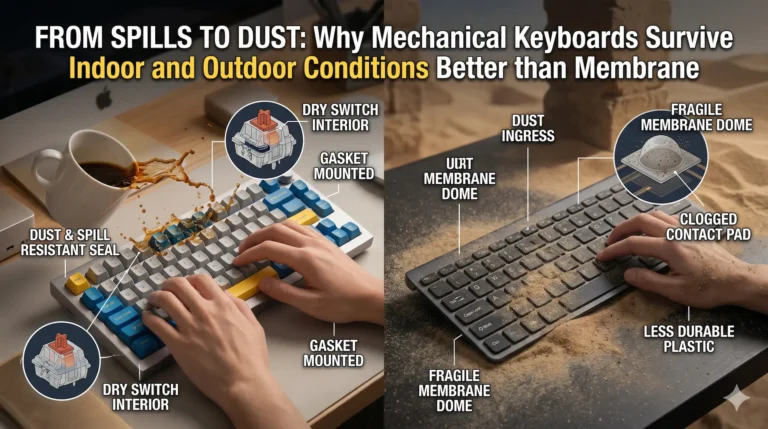
- Choose a comfortable keyboard: The “best” keyboard is subjective, but look for one that feels comfortable for long typing sessions. Mechanical keyboards are often favored by advanced typists for their tactile feedback, but a standard ergonomic keyboard can also be effective.