The Wireless Dilemma: Is Mechanical Keyboard Battery Life the Ultimate Dealbreaker in 2026?
The “Low Battery” Heart Attack
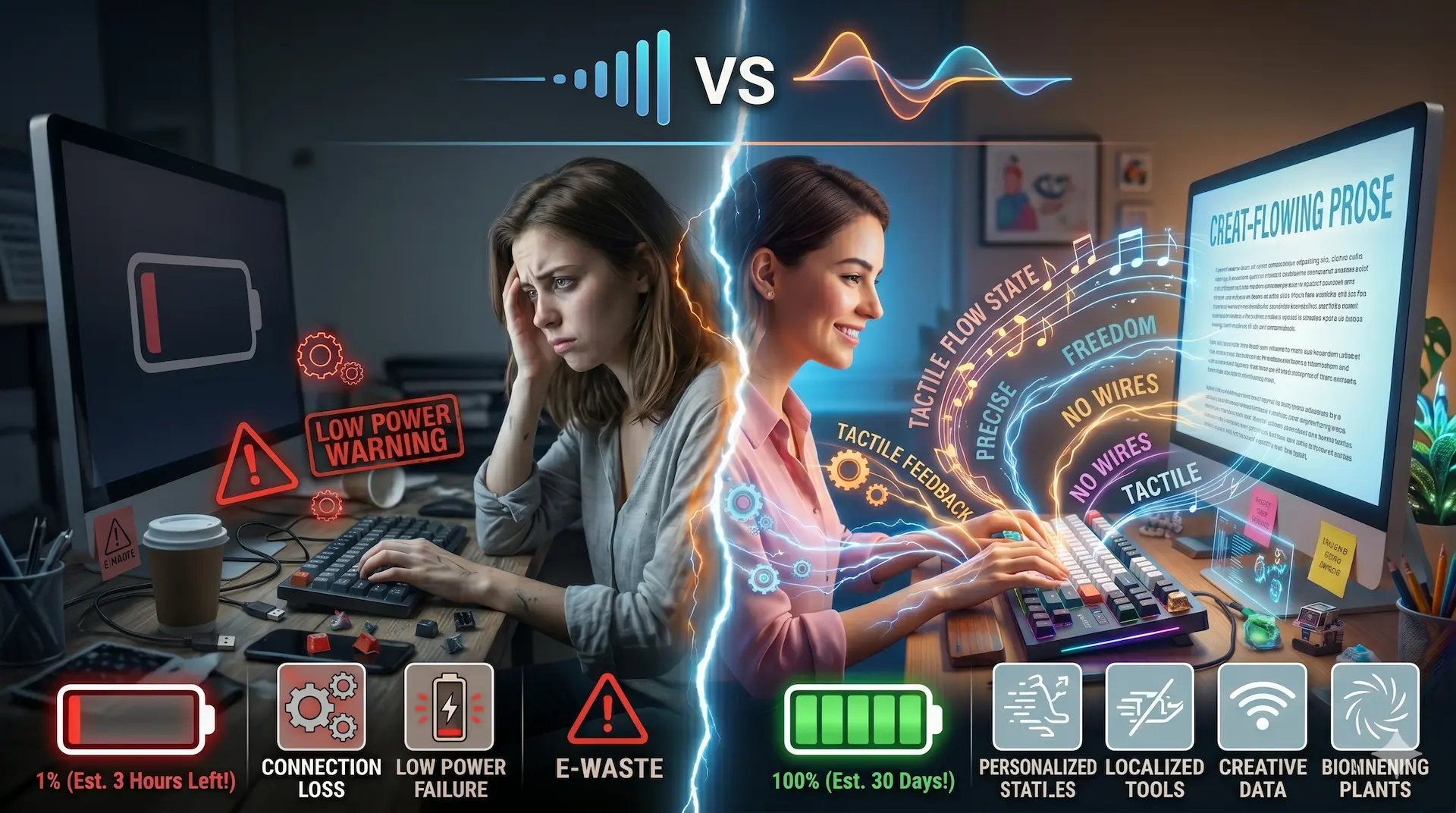
In 2026, we are living in a world untethered. From our headphones to our mice, mike, or even our laptops, the “cord-cutting” revolution is almost complete. But there is a specific kind of panic that only hits at 2:00 AM during a deadline: the “Low Battery” flash on your high-end wireless mechanical keyboard.
If you’ve made the switch to mechanical off late, you know the drill. You get incredible tactile feedback, beautiful RGB lighting, and a build quality that could survive a minor earthquake—but you’re plugging it in every few days (or weeks, if you’re lucky). Meanwhile, your old $30 “regular” membrane keyboard is sitting in a drawer, probably still holding the same AA batteries you put in it during the early 2020s.
It’s the one glaring area where the “normal” keyboard still reigns supreme: pure, unadulterated battery longevity. But is this a reason to ditch the mechanical dream, or is it a negligible trade-off for a superior tool? Let’s get honest about the power struggle.
The Power Gap: Why Your Mechanical Keyboard is a “Fuel Thirsty”
To understand why your high-end mechanical keyboard needs a charging cable every week while your office membrane board seems to run on magic and air, we have to look at the internals.
In 2026, a top-tier mechanical keyboard isn’t just a set of switches; it’s a high-performance computer. Many of these boards now feature polling rates of 4,000Hz or even 8,000Hz. This means the keyboard is talking to your computer thousands of times per second to ensure zero lag. On top of that, you have individual RGB LEDs under every single key, dedicated microprocessors for custom macros, and perhaps even a small OLED screen on the corner of the board to show your CPU temp.
A membrane keyboard, by contrast, is the tech equivalent of a sundial. It waits patiently for a keypress, sends a simple signal via low-energy Bluetooth, and then goes right back to sleep. It uses so little power that the “self-discharge” rate of the battery—the energy that just leaks out naturally over time—is often higher than the energy used by the keyboard itself.
The Membrane Marathon: Two Years of “Set and Forget”
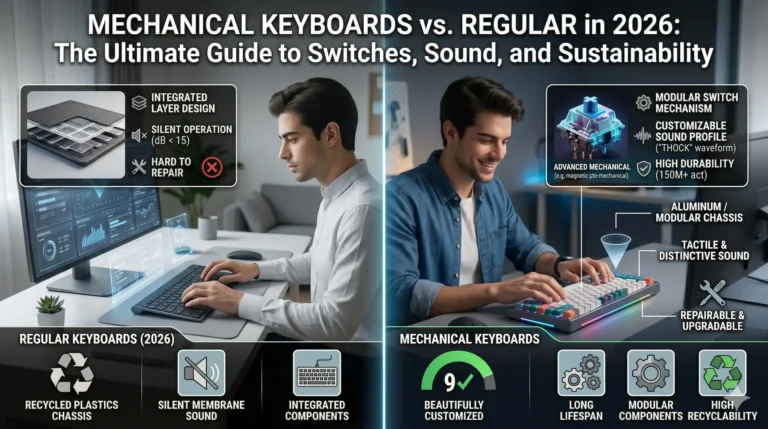
If battery life is your only metric for success, the membrane keyboard wins by a landslide, absoulute winner. In 2026, brands like Logitech and Microsoft have perfected the “24-month battery life.” You put two AA batteries in, and you literally forget that the device even needs power.
This is the “Golden Standard” for:
- The Minimalist: People who hate cables and want a perfectly clean desk 100% of the time.
- The Traveler: The digital nomad who doesn’t want to carry a specific USB-C cable just for their keyboard.
- The Office Warrior: Someone who just wants the tool to work every time they sit down without checking a battery percentage.
In these scenarios, the mechanical keyboard’s 40-hour to 100-hour battery life (with lights on) feels like a chore. It’s another thing to manage in a world already full of “low battery” notifications.
The “Battery Museum” Irony: When the Power Outlasts the Plastic
Here is the funny, slightly tragic reality of those long-lasting membrane keyboards: They often die physically while the battery is still at 30%.
We’ve all seen it. You have a wireless membrane keyboard that’s been running on the same pair of Duracells for eighteen months. The battery is doing great. However, the ‘E’ and ‘S’ key legends have completely rubbed off. The spacebar has developed a squeak that sounds like a dying mouse. Most importantly, the internal rubber domes have started to lose their “spring,” leaving you with a typing experience that feels like pushing your fingers into cold mashed potatoes.
The battery is a marathon runner, but the hardware is a sprinter. By the time you finally have to change the batteries in a membrane keyboard, the device itself is usually ready for the recycling bin. There is a certain irony in having a device that can stay “powered on” for two years but becomes unpleasant to use after six months.
The “Battery Tax” of Mechanical Bliss
On the flip side, the mechanical keyboard is built to last twenty years, but it wants to be plugged in every Friday.
In 2026, the average wireless mechanical keyboard has two “modes”:
- The “Vegas” Mode (RGB On): 20–40 hours. This means if you work a full 8-hour day, you’ll be plugging it in every 3 to 4 days.
- The “Stealth” Mode (RGB Off): 200–600 hours. This is the sweet spot. Without the lights, most modern mechanical boards will last 1 to 2 months on a single charge.
Is this “negligible”? For most professionals, yes. We already charge our phones every night, our watches every two days, and our headphones every week. Adding a keyboard to the “Sunday Night Plug-In” routine takes about four seconds of physical effort.
In exchange for those four seconds, you get a tool that doesn’t degrade. You get a switch that feels as crisp in year five as it did on day one. You get the ability to swap out switches if they get “crunchy” from dust. You are trading a small amount of convenience for a massive increase in quality and longevity.
Performance: The Part You Won’t Notice (Until You Do)
We often say the performance difference is “negligible” for daily office work, but that’s not entirely true. While you might not need an 8,000Hz polling rate to type an email, you will notice Wake-Up Lag.
Because membrane keyboards are so desperate to save power, they go into a “Deep Sleep” after just a few minutes of inactivity. When you go to type your next sentence, the first letter is often missed while the keyboard “wakes up” and reconnects.
A high-quality 2026 mechanical keyboard handles this differently. Because it has a larger battery capacity and more efficient firmware, the “Handshake” between the keyboard and your PC is nearly instantaneous. It stays in a “Ready” state longer. You don’t have to “wake it up”—it’s waiting for you. This lack of friction is one of those small, invisible benefits that makes a $200 keyboard feel “expensive” and a $30 keyboard feel “cheap.”
The Environmental Math: AA Waste vs. Lithium Cycles
There is also a sustainability angle to consider in 2026.
- The Membrane Model: Usually relies on disposable AA or AAA batteries. Over the life of the keyboard, you might toss 6 to 10 batteries into the waste stream. Even if you use rechargeables, you’re still dealing with the “disposable” nature of the board itself.
- The Mechanical Model: Uses a built-in Lithium-Ion or Lithium-Polymer battery. While these do eventually degrade after hundreds of cycles, most 2026 mechanical boards allow you to replace the battery. You can unscrew the case, unplug the battery lead, and pop in a new $15 cell.
This reinforces the “Buy It For Life” philosophy. You aren’t just buying a keyboard; you’re buying a chassis that can be upgraded and maintained.
Making the Choice: A Neutral Framework
If you are still on the fence, ask yourself these three “Basic” questions:
- Do you have “Battery Anxiety”? If seeing a 20% battery icon gives you stress and you know you’ll forget to plug it in, stick with a high-end wireless membrane. The peace of mind is worth the mushy keys.
- Do you value the “Feel” of your work? If typing is 80% of your job, the weekly charge is a tiny price to pay for the tactile joy and reduced finger fatigue of a mechanical board.
- Is your desk a “Permanent” setup? If your keyboard rarely leaves your desk, the “wireless” aspect is mostly about aesthetics. You can keep a discrete magnetic charging cable on your desk, snap it on when needed, and never actually “run out” of juice.
Final Verdict: The 2026 Reality
The gap is closing, but it’s still there. In 2026, we have seen the rise of Solar-Integrated Mechanical Keyboards and Low-Energy Hall Effect sensors that are pushing battery life into the 6-month range.
But for now, the trade-off remains: Do you want a marathon runner that feels like plastic, or a high-performance athlete that needs a nap? Most people who make the switch to mechanical never go back. They realize that “charging a keyboard” is no more of a hassle than charging a phone. And honestly? There’s something deeply satisfying about the fact that even if the battery dies, the keyboard is still a masterpiece of engineering. You can’t say the same for a membrane board that’s literally falling apart while its battery is still “Full.”
The winner? Your hands. Whether you choose the long-life membrane or the high-performance mechanical, just make sure you aren’t settling for a tool that makes your work feel like a chore.
Conclusion: The Survivor vs. The Marathon Runner
Ultimately, the choice comes down to what you value more: maintenance-free longevity or the peak performance. If you are a digital nomad who forgets to carry a USB-C cable, or if the mere thought of “charging your keyboard” makes you roll your eyes, a high-quality membrane wireless board is your best friend. It will run for years on a single set of batteries, quietly doing its job until the day the rubber domes finally give up the ghost.
However, if you want a typing experience that actually feels like something, the “battery tax” of a mechanical keyboard is a small price to pay. Yes, you’ll be reaching for that charging cable once a week, but you’ll be doing it on a keyboard that will still be clicking long after your membrane board has been recycled into a park bench. In 2026, the best keyboard isn’t the one that stays “on” the longest—it’s the one that stays functional the longest.