QWERTY, Dvorak, or Colemak: Which is Actually the Fastest Keyboard Layout?
The Typing Bottleneck: Are Your Keys Holding You Back?
Ever feel like your brain is outputting code or copy at lightspeed, but your fingers are tripping over each other just trying to keep up? Watching your cursor blink expectantly while your fingers scramble across the deck is a massive bottleneck to your productivity. You might assume you just need more practice, but what if the very arrangement of your keys is actively working against you?
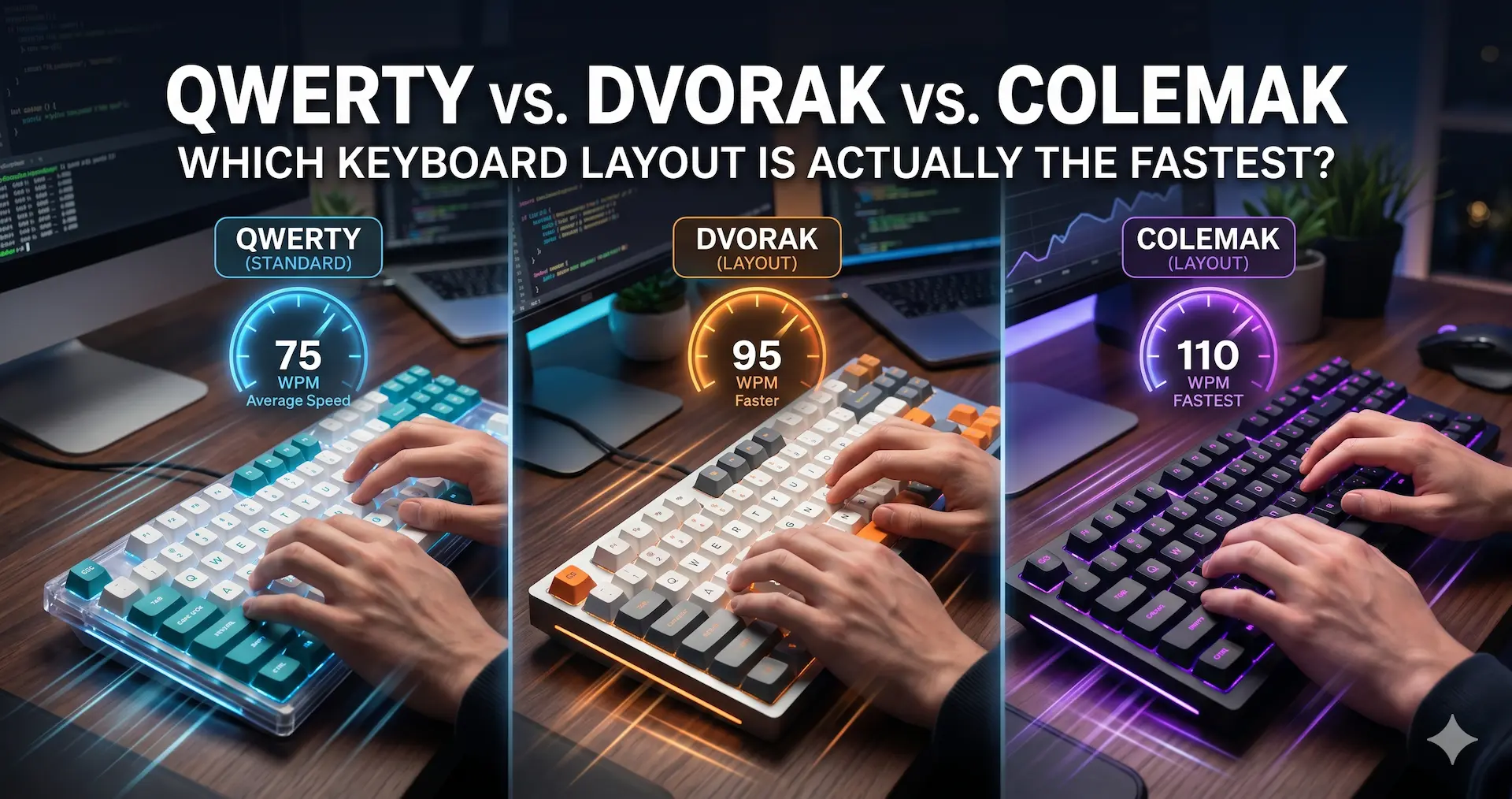
The Short Answer (Featured Snippet): When determining the fastest keyboard layout, there is no single universal winner for raw Words Per Minute (WPM), as top typists achieve 150+ WPM on all three. However, Colemak and Dvorak are vastly superior to QWERTY regarding ergonomics and efficiency. By prioritizing the home row, Colemak and Dvorak dramatically reduce finger travel distance, minimizing hand fatigue and theoretically raising your speed ceiling with sustained, comfortable typing.
Here is the definitive, data-driven breakdown of the world’s top three keyboard layouts. We will look at the history, the metrics, and whether making the switch is actually worth your time.
QWERTY: The Inefficient King
We have to start with the incumbent. Look down at your laptop or mechanical keyboard right now. Unless you are already a deep-cut tech enthusiast, you are looking at QWERTY.
Why Does QWERTY Exist?
Created in the 1870s by Christopher Sholes, QWERTY wasn’t designed for optimal speed or ergonomics. It was designed to solve a mechanical hardware problem. Early typewriters would physically jam if a user typed adjacent keys too quickly. Sholes arranged the letters to intentionally separate common letter pairings (bigrams), forcing the typist to alternate hands and slow down just enough to prevent the metal typebars from clashing.
The Problem with QWERTY Today
We no longer use mechanical typebars, yet we are still using a layout designed to prevent jams. The main issue with QWERTY is how little it utilizes the home row (the middle row where your fingers rest).
- Only about 32% of typing happens on the home row.
- The majority of common keystrokes force your fingers to reach up to the top row or stretch down to the bottom row.
- This translates to a massive amount of unnecessary finger travel, leading to repetitive strain and a higher margin for typos.
Dvorak: The Classic Alternative
In 1936, Dr. August Dvorak set out to fix QWERTY’s flaws. He studied the English language meticulously to understand letter frequencies and hand physiology. His solution was the Dvorak Simplified Keyboard.
The Science of Dvorak
Dvorak’s philosophy is all about hand alternation and keeping the highest-frequency letters right under your fingertips.
- Vowels on the Left: All vowels (A, O, E, U, I) are placed on the left hand’s home row.
- Consonants on the Right: The most common consonants (D, H, T, N, S) live on the right hand’s home row.
- Bottom Row Avoidance: The bottom row is notoriously difficult to reach, so Dvorak places the least common letters (like Z, Q, and X) there.
The Benefits
With Dvorak, roughly 70% of your keystrokes happen on the home row. This results in an incredibly rhythmic typing experience. Typists often report that their hands feel like they are “rolling” rather than jumping around. The finger travel distance is radically reduced, which is a massive win for ergonomic keyboard benefits and preventing carpal tunnel.
Colemak: The Modern Compromise
Introduced in 2006 by Shai Coleman, Colemak is the newest heavyweight contender in the alternative keyboard layouts space. It was designed to offer the ergonomic benefits of Dvorak without the grueling, frustrating learning curve.
Built for the Digital Age
Unlike Dvorak, Colemak wasn’t built from scratch. It takes the QWERTY layout and changes only 17 keys. More importantly, it leaves almost all of the crucial system shortcuts exactly where they are.
- Keys like Z, X, C, and V remain in their QWERTY positions.
- This means your muscle memory for Copy, Paste, Undo, and Cut doesn’t need to be rewired.
- It places a heavy emphasis on the home row, prioritizing the most common English n-grams.
Why Enthusiasts Love Colemak
Colemak boasts an impressive 74% home row usage—even slightly edging out Dvorak in some efficiency metrics. Because it maintains the shell of QWERTY, it is significantly easier to learn. For modern tech workers and programmers who rely heavily on hotkeys, Colemak is often viewed as the ultimate middle ground between ergonomics and practicality.
Head-to-Head: Which Layout is Actually the Fastest?
If you are looking to double your Words Per Minute (WPM) in 30 days, you might be tempted to switch layouts immediately. But let’s look at the data across three critical categories.
1. Raw Speed and WPM
If we are looking strictly at world records, QWERTY still holds the crown, with top typists regularly breaching 200 WPM. However, this is largely a numbers game; 99% of the world uses QWERTY, so naturally, the fastest anomalies use it too.
In practical terms, the layout isn’t the primary speed factor. Your speed ceiling is dictated by muscle memory and neural mapping. You can achieve blazing-fast speeds on any of the three. If raw speed is your only metric, switching layouts won’t magically double your WPM overnight.
2. Ergonomics and Finger Travel (The Real Winner)
This is where the alternative layouts crush QWERTY. Think of typing as a marathon for your hands.
- Typing an average novel on QWERTY means your fingers travel roughly 16 miles.
- Typing that same novel on Dvorak or Colemak reduces that distance to just 10 miles.
By focusing on the home row method, these alternative layouts save your hands from unnecessary gymnastics. Less stretching means less fatigue. Less fatigue means you can maintain your top typing speed for hours rather than minutes.
3. The Learning Curve
Switching layouts is brutal. Looking down resets your mental map and prevents muscle memory from forming.
- QWERTY: You already know it. Zero learning curve.
- Colemak: Takes about 2 to 4 weeks of deliberate, frustrating practice to regain your QWERTY speeds.
- Dvorak: Can take months. Because it rearranges everything, your brain has to completely rewrite its spatial map of the keyboard.
Beyond the Layout: Factors That Actually Boost Speed
If you don’t have the time to spend weeks feeling like a beginner again, there are faster ways to improve your WPM. Before you nuke your keybindings, ensure you have mastered the fundamentals.
Perfect Your Touch Typing
You cannot achieve elite speeds if you are hunting for keys. To improve typing speed, you must transition from “hunt and peck” to touch typing. Your fingers must live on the “Home Row” (ASDF for the left hand, JKL; for the right). Use the small tactile bumps on the F and J keys as your anchors so you never have to look down.
Prioritize Accuracy over Speed
Speed is a byproduct of accuracy. If you type 100 WPM but have to hit backspace every three words, your “effective speed” is abysmal. Aim for 98% accuracy or higher during your typing practice drills. Slow down on difficult bigrams and focus on building a steady, metronome-like rhythm.
Upgrade Your Hardware
As a tech enthusiast, you know that the “mushy” membrane keyboard that came with your office PC is holding you back. The “feel” of a keypress significantly impacts your WPM.
- Tactile Switches: Switches like Cherry MX Brown provide a physical “bump” when the key actuates. This feedback tells your brain exactly when the letter has registered, allowing you to move to the next key faster.
- Linear Switches: Switches like Cherry MX Red are smooth and fast. While some pros prefer them for speed, beginners often find they cause more typos because it’s easier to accidentally actuate adjacent keys.
Use Data-Driven Practice Tools
Don’t just type randomly. Use tools that emphasize “n-gram” practice.
- Monkeytype: Offers a clean UI and allows for customization and n-gram testing.
- Keybr: Uses an algorithm to find your weakest letters and drills them relentlessly.
- 10FastFingers: The industry standard for benchmarking your raw WPM.
The Verdict: Should You Switch?
So, what is the fastest keyboard layout?
If you are already typing at 90+ WPM on QWERTY without any hand pain, do not switch. The months of lost productivity aren’t worth the marginal ergonomic gains. Your best path to faster speeds is refining your accuracy and upgrading to a high-quality mechanical keyboard.
However, if you suffer from wrist fatigue, RSI, or you are currently stuck at 40 WPM and want to rebuild your fundamentals from the ground up, Colemak is the clear winner. It provides 90% of the ergonomic benefits of Dvorak with a fraction of the learning curve, making it the most efficient, modern choice for dedicated keyboard enthusiasts.